What is an Animated SVG, Really?
An animated SVG is any SVG where visual properties change over time — position, size, rotation, color, opacity, or path shape. The SVG spec is powerful enough to express all of this natively, but browsers have also layered CSS and JS animation support on top.
The result: three distinct animation stacks, each with different trade-offs around file size, browser support, runtime dependency, and flexibility. Let's look at each one.
Option 1 — SMIL: Native SVG Animation
SMIL (Synchronized Multimedia Integration Language) is SVG's built-in animation system. You add animation tags directly inside the SVG file — no CSS, no JavaScript, no external file.
Pros
- · Self-contained — one .svg file
- · Works in <img> tags and emails
- · Zero JS, zero CSS, zero runtime
- · Per-keyframe cubic-bezier easing
Cons
- · Verbose XML syntax
- · Hard to write by hand
- · No IE support (not an issue in 2026)
- · Can't be driven by JS events easily
Best for: standalone icons, SVG sprites, email signatures, any context where you need a single self-contained animated file.
Option 2 — CSS Keyframes: The Web Standard
CSS @keyframes applies animation via stylesheets. The SVG markup stays clean; the motion lives in the CSS file.
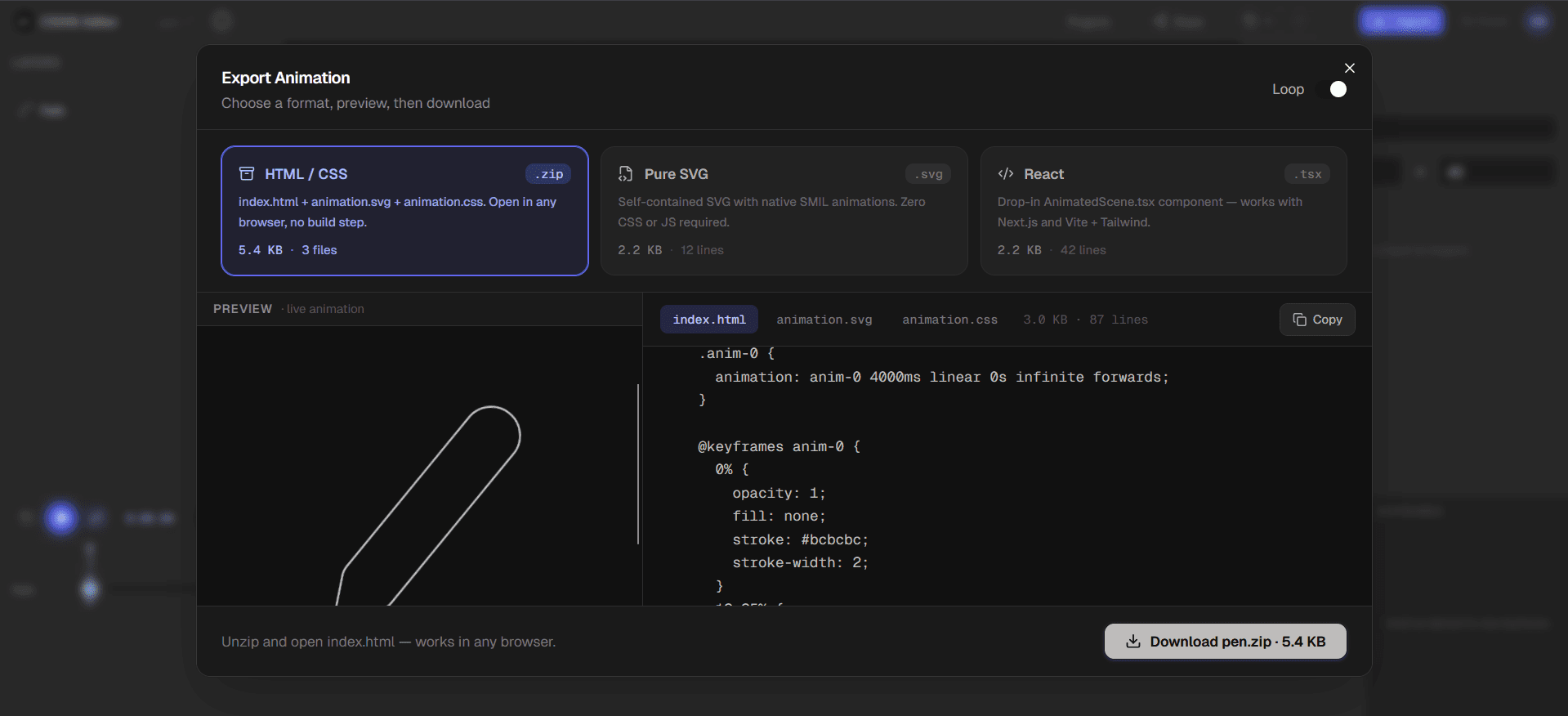
Pros
- · Familiar CSS syntax
- · Easy to override with class toggles
- · GPU-accelerated transforms
- · Works in all modern browsers
Cons
- · Won't animate inside <img>
- · Requires separate .css file (or <style>)
- · No per-keyframe easing (use steps or one timing fn)
Best for: UI components, loading spinners, icon hover effects, any SVG embedded inline in a webpage.
Option 3 — React: Full Component Control
Exporting an animated SVG as a React component gives you the cleanest integration with modern front-end stacks. The SVG is JSX, so you can accept props, wire state, and respond to user interaction.
CSSVG's React export uses inline SMIL inside JSX — so you get the self-contained animation behaviour of SMIL with the component ergonomics of React. Works out of the box with Next.js, Vite, and Create React App.
Side-by-Side Comparison
| Feature | SMIL | CSS | React |
|---|---|---|---|
| Browser support | Chrome, Firefox, Safari (no IE) | All modern browsers | Wherever React runs |
| JavaScript required | No | No | Yes (React runtime) |
| File format | Self-contained .svg | .svg + .css | .tsx / .jsx component |
| Animation on <img> tag | Yes | No | No |
| Dynamic control at runtime | Limited | Via class toggle | Full (state/props) |
| Best for | Standalone icons, email | Web pages, UI loaders | Component libraries, Next.js |
Which Should You Use?
you need a single .svg file that animates anywhere — in an <img> tag, email, Figma, or README. No build step, no stylesheet, no runtime.
you're building a web page and want clean, maintainable stylesheets. Great for loading spinners, hover effects, and UI micro-animations where JS class toggling is enough control.
you're working in a Next.js or Vite codebase and want to pass props, wire state, or conditionally trigger animations based on user interaction.
Export All Three from One Editor
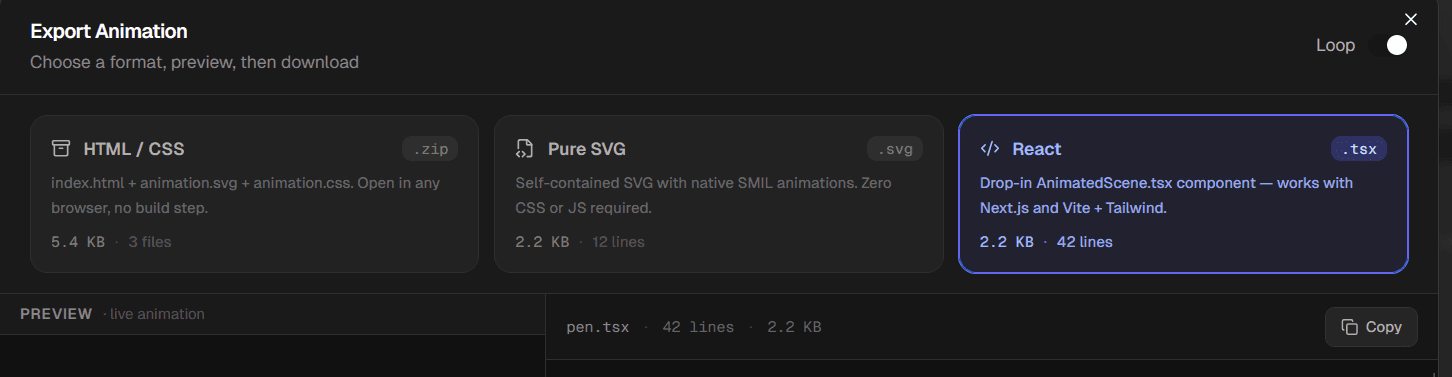
CSSVG exports all three formats from the same animation. Build once on the visual timeline, then choose your output format at export time — SMIL SVG, CSS zip, or React TSX.
Build Animated SVG Visually
Timeline editor, per-keyframe easing, and three export formats — SMIL, CSS, and React. Free, no sign-up required.
Open the Editor — it's free